How to invite a portal user?
How to invite a portal user?
There are several ways to invite a portal user (a.k.a. inviting a guest user or a client user) to a portal:
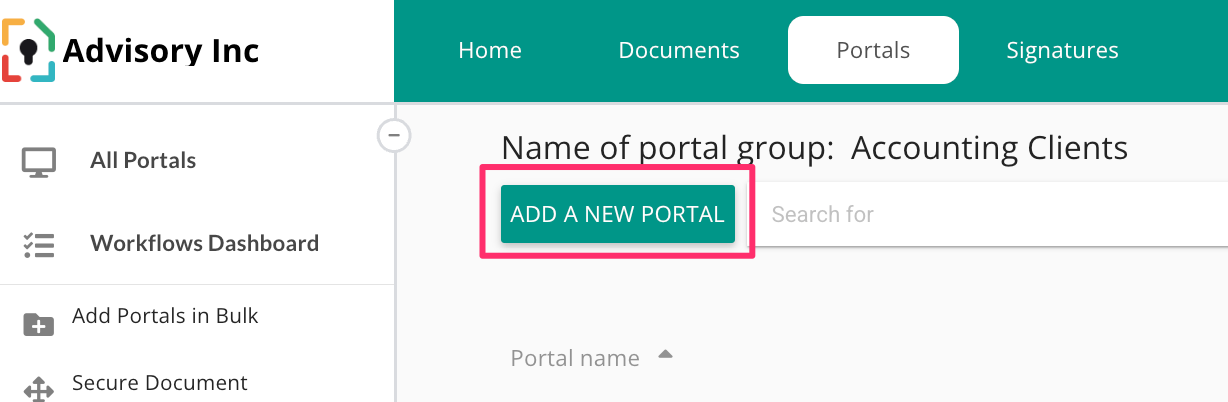
If the portal does not exist, click "Create a new portal" in your chosen portal group and fill out your guests/client's email address. The user will receive an invitation. The default access right profile assigned to the user will be "full access" meaning that the user will be able to invite other users to that specific portal as well as having the ability to read documents, upload them and remove them.
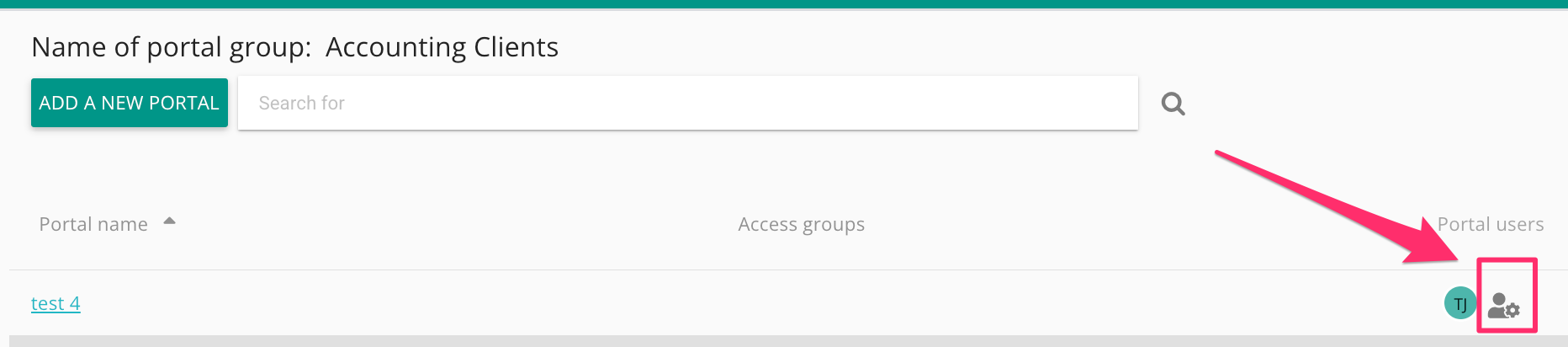
If the portal does exist, find the portal and add the user through the gearbox icon. In this scenario you need to assign the user a specific access profile (full access, read/write and read only).
If you are already inside a portal, click on the gearbox icon you will find on the portals's dashboard