MyDocSafe Document Management works with Google Drive
MyDocSafe is a digital signature and document management system that works with Google Drive. Try for free today.
MyDocSafe document
management and Google Drive
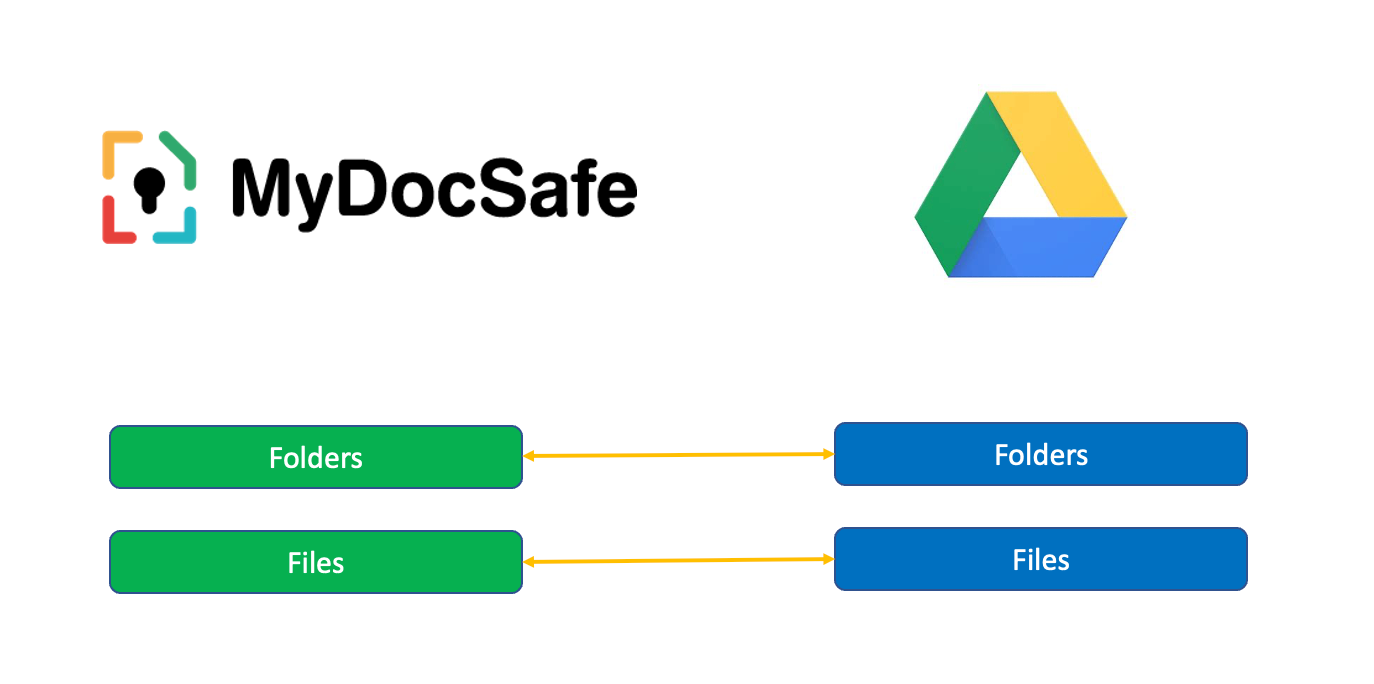
MyDocSafe document management lets you import and export documents directly from and to Google Drive.
1. Getting Started
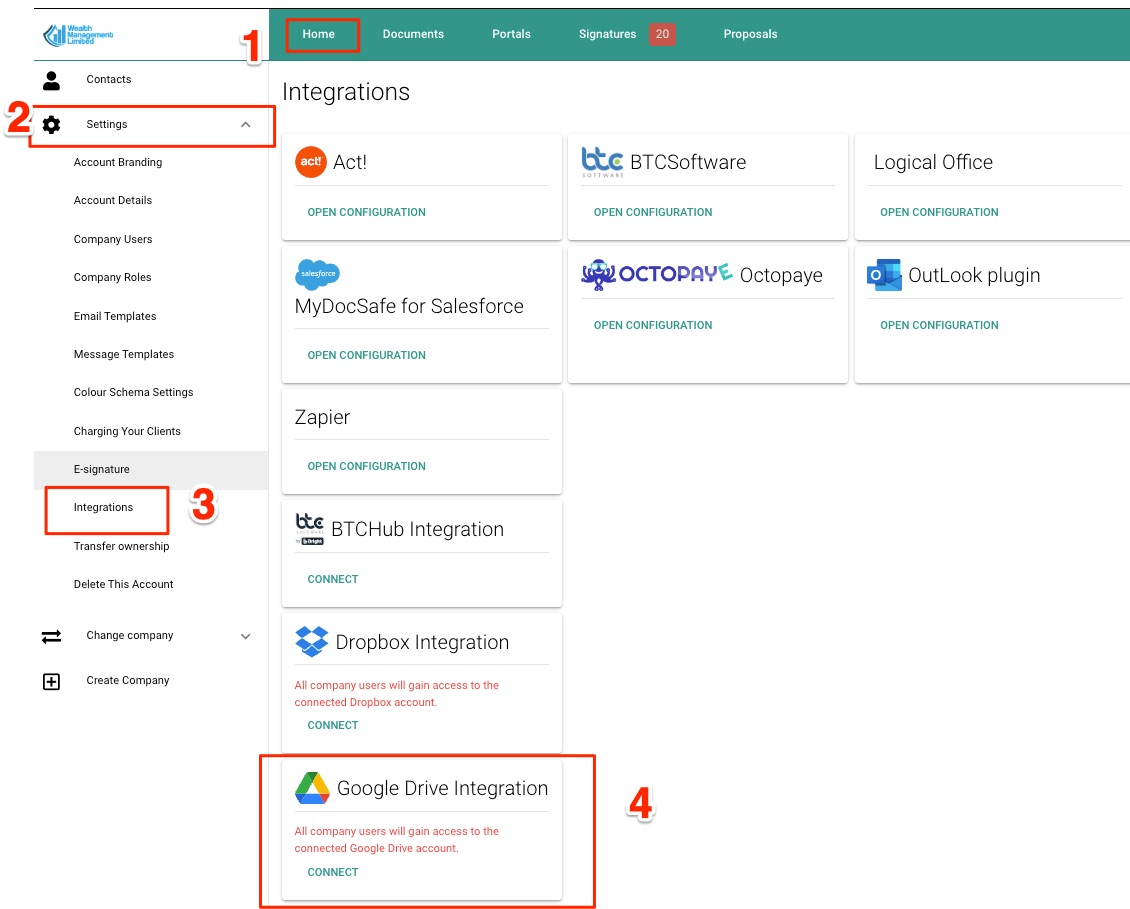
Login to MyDocSafe, then click on Home / Settings / Integrations and select Google Drive. Please note that by enabling the integration you will make the Drive accessible to all internal users.
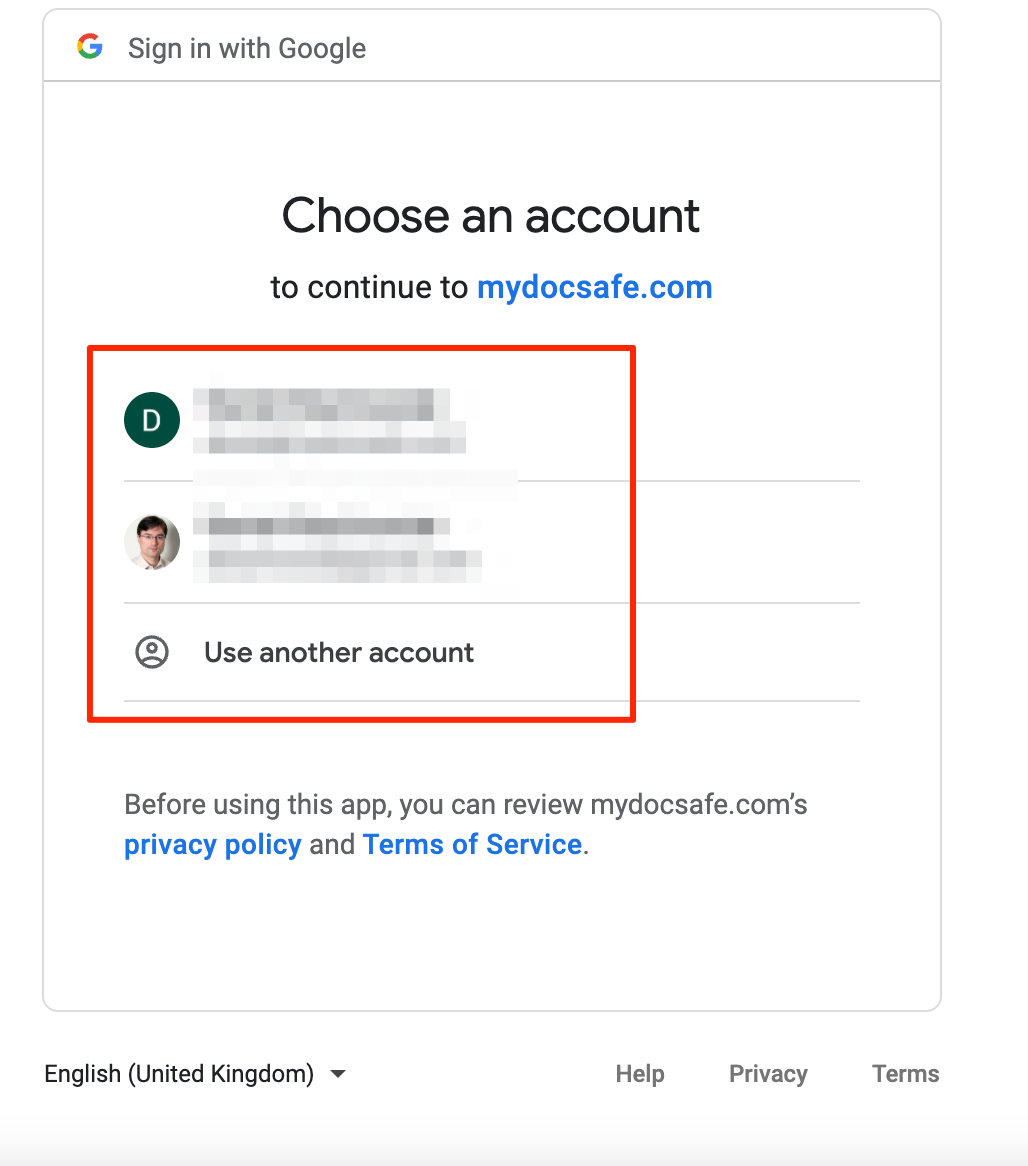
Select an appropriate Google account you would like to connect with.
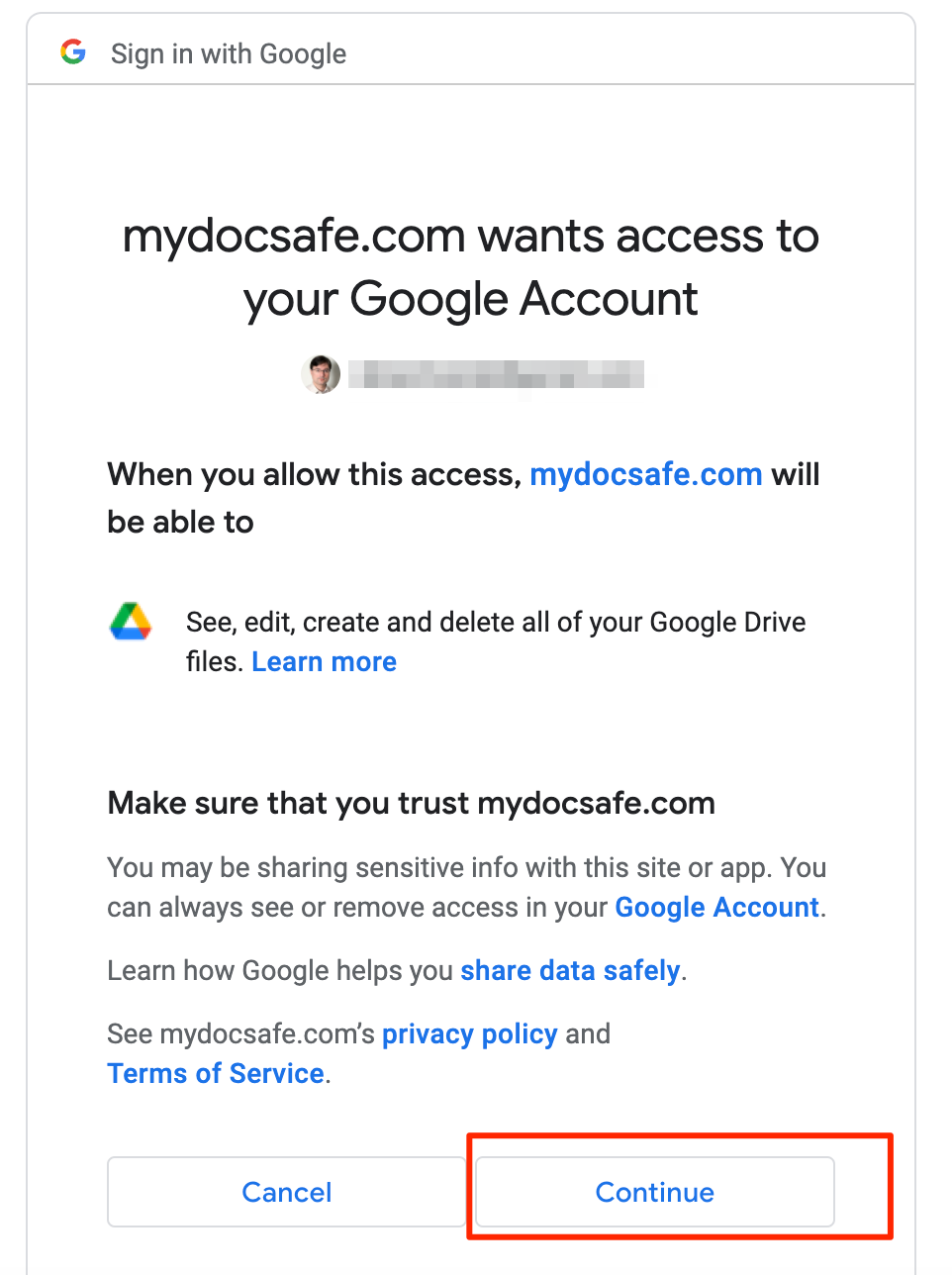
As the last step, click 'Continue' to approve the connection.
2. Data flow diagram
3. FAQ
Go to Home / Settings / Integrations / Google Drive and click 'disconnect'
We do not synchronise documents in real time. The integration is meant to be used for importing and exporting of files and folder in a manual faction, on as needed basis.
Data synch occurs in real time when the user triggers the action. We send the task to a queue which is then performed in the background. You can resume your work inside MyDocSafe while the task completes.
Customize MyDocSafe for your business todayLearn more
Start your free trial today
MyDocSafe is the only document security and e-sign software you need.
Start A free trial