How to delete a Portal
How to delete a Portal
To delete an individual Portal, click on the '...' icon associated with the Portal you would like to delete.
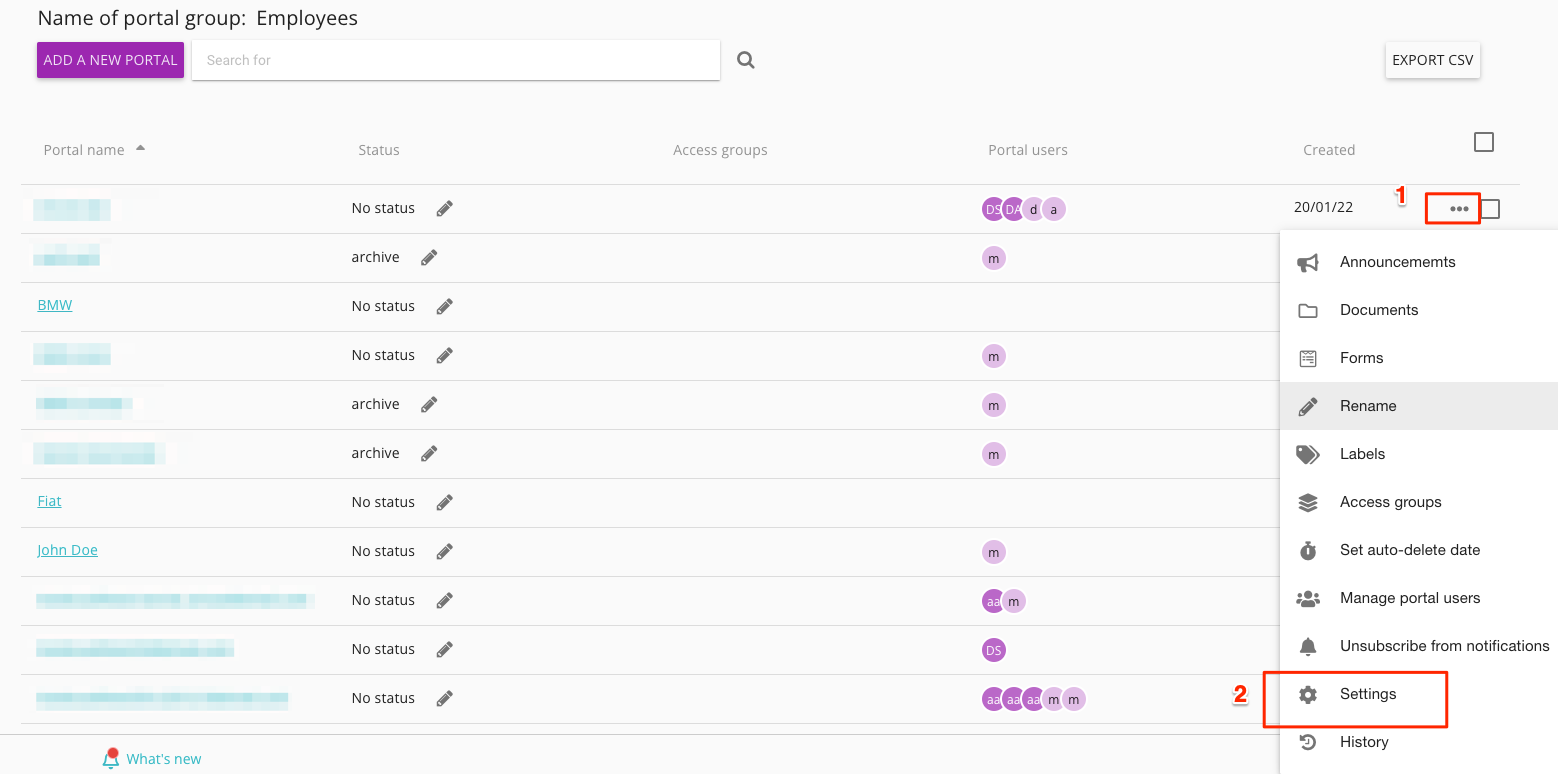
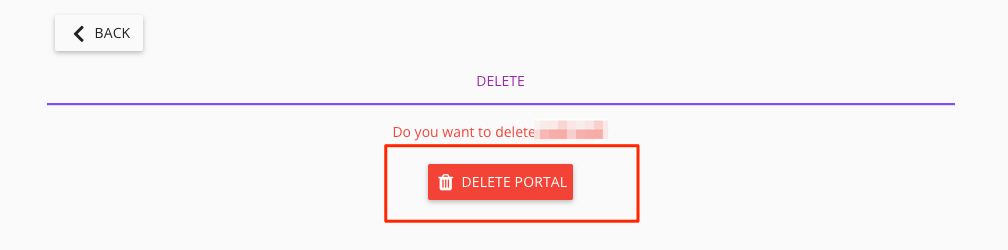
Then select Delete Portal
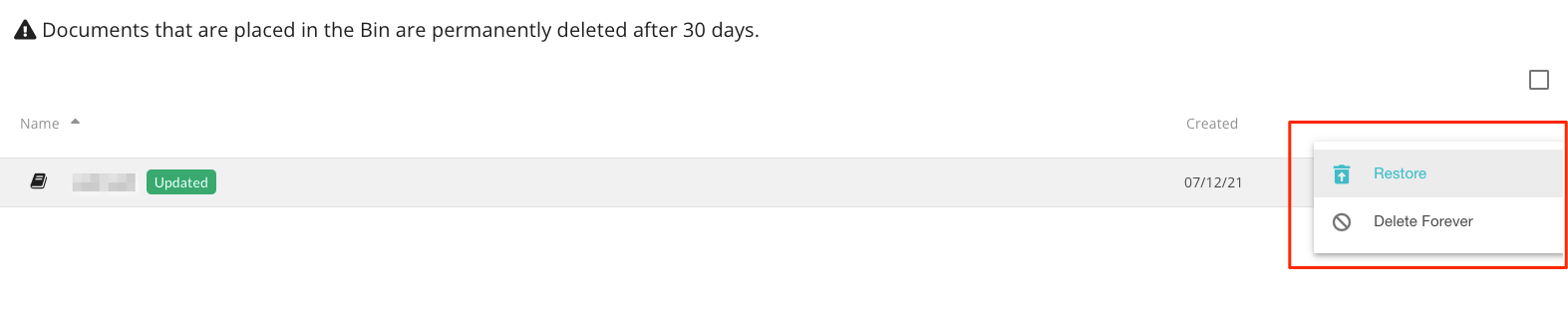
Once deleted, the portal is moved to Documents/Bin where it will sit for 30 days. If you want to undelete the portal, go to Bin, click on the '...' icon associated with the deleted portal and select 'Restore'.