How to move a form from Documents to Form Templates area in a client group.
How to move a form from Documents to Form Templates area in a client group.
If you defined a webform in your Documents area and realised that you actually want to make it available to your clients via portals, this article is for you.
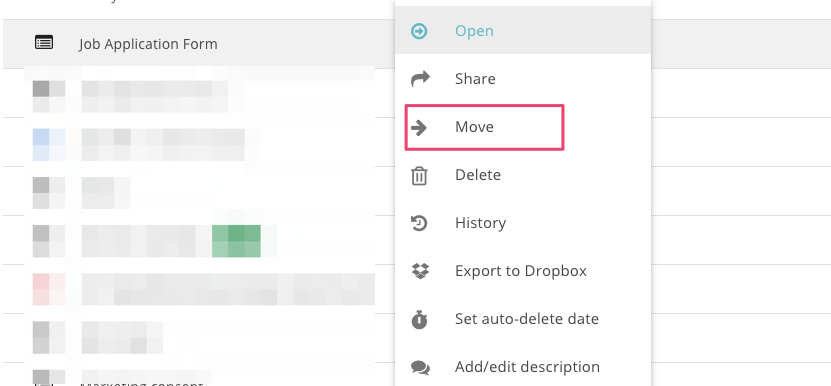
First, right click on the form and select 'Move'
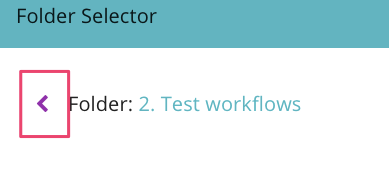
Then navigate to the right place go back to the root directory by clicking on the arrow as shown below:
Then select Portals

Finally, choose the client group -> Shared -> Forms and click "Move here". Done!
Alternatively:
copy a form to Clipboard
go to your destination and
create from Clipboard
Related topic: How to copy a form template from one portal group to another