Advanced settings: how to add the Quote to the contract automatically
Advanced settings: how to add the Quote to the contract automatically
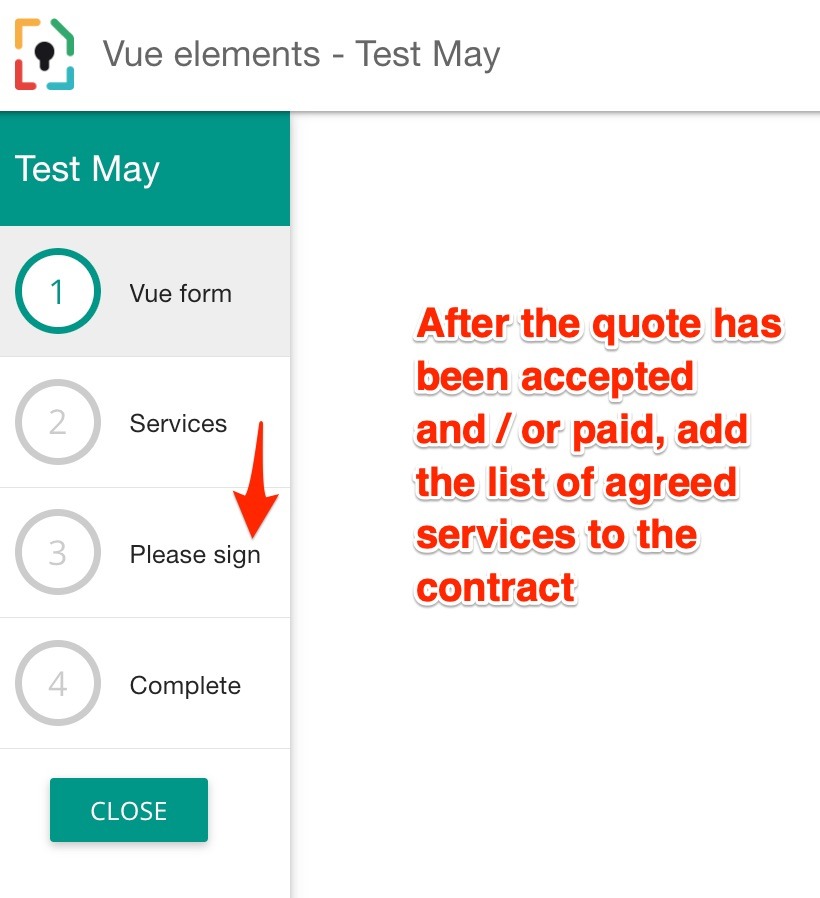
The contract can be appended with the list of agreed services automatically by enabling the option in the 'signature' widget. First, make sure that the workflow step to accept the quote/services is BEFORE the step to sign the agreement.
Then in the 'request a signature' widget add the Quote via the "additional PDF Pages" option.
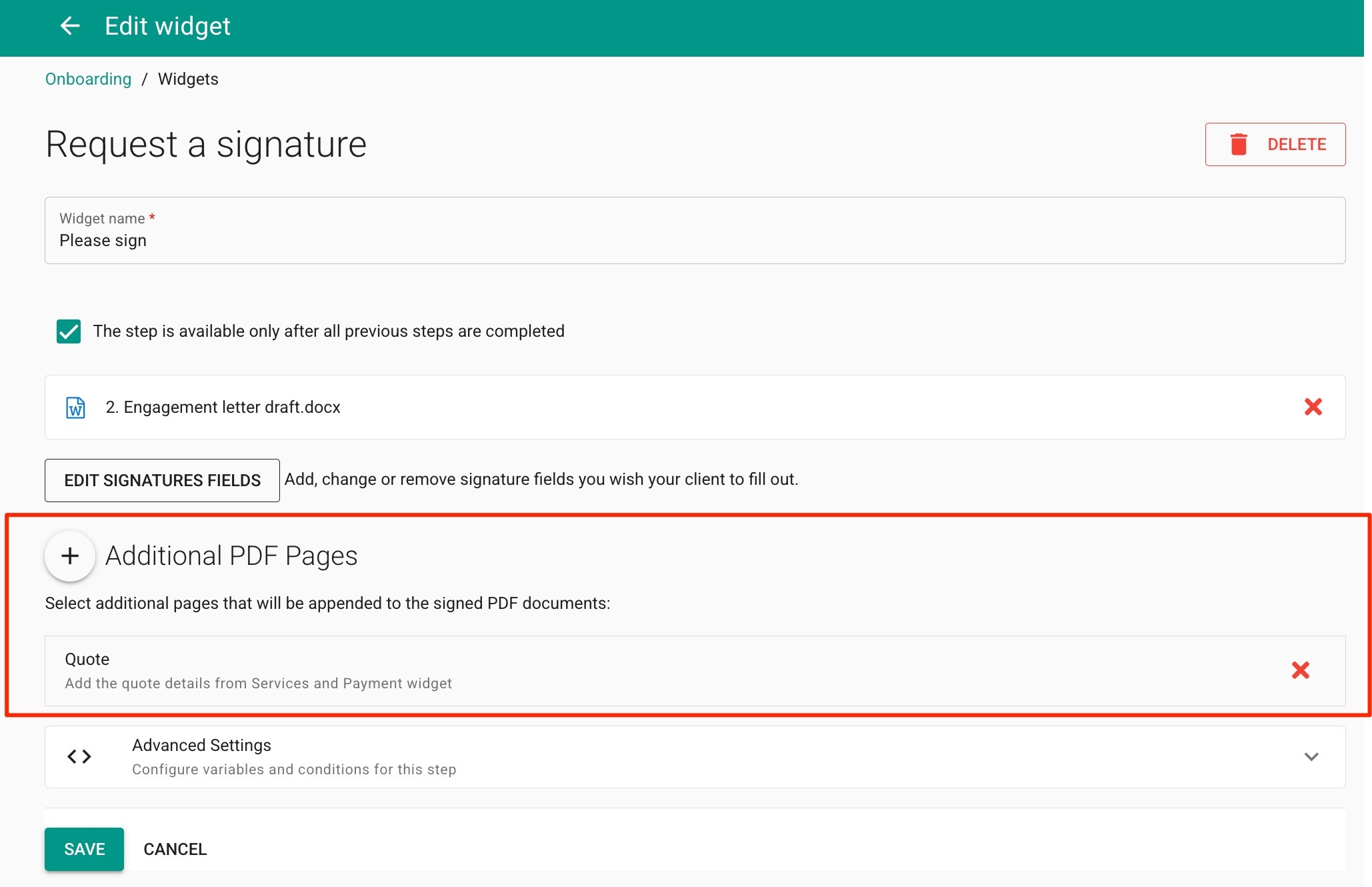
Once enabled, the services will be turned into a table in a PDF document and appended to the the contract.