Removing a client from a portal and re-inviting them later
Removing a client from a portal and re-inviting them later
In general, when you remove a client from a portal MyDocSafe creates a ‘free account’ for the client which is usually empty (or it holds documents they signed). The free account will be used to store signed documents.
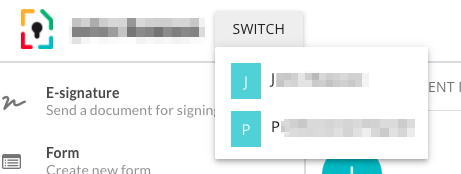
When you re-invite a client to another portal later, their free account remains intact, so in effect they gain access to another area: your portal. Their account therefore has two separate areas:
their free account
and the portal.
Switching between the two is done by clicking on the ‘Switch’ button: