Advanced settings for workflow templates
Managing complex scenarios
Advanced settings for workflow templates
Managing complex scenarios
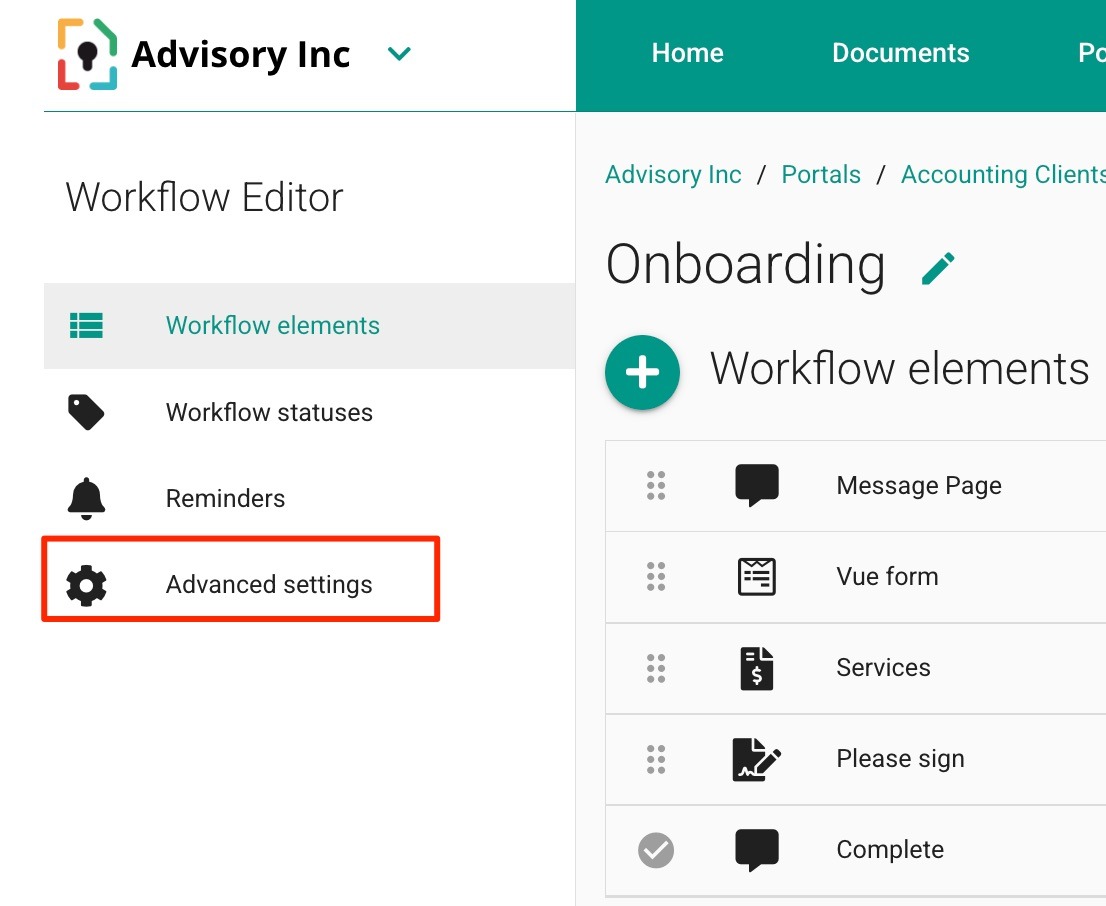
Use advanced settings to manage more complex situations.
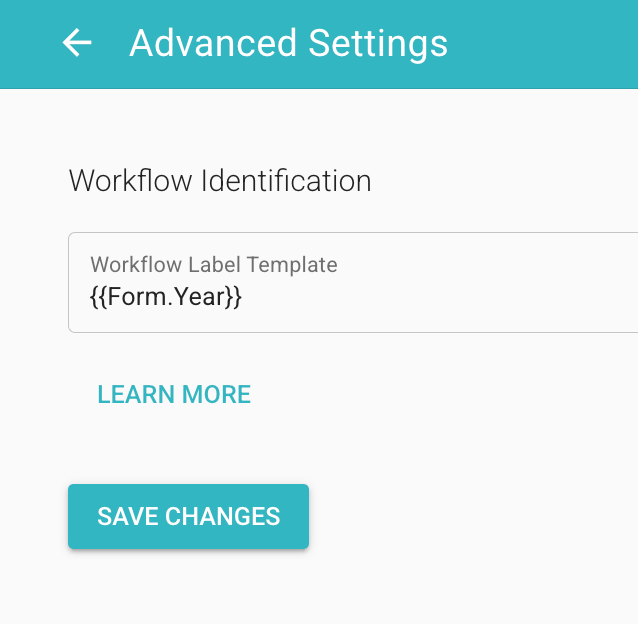
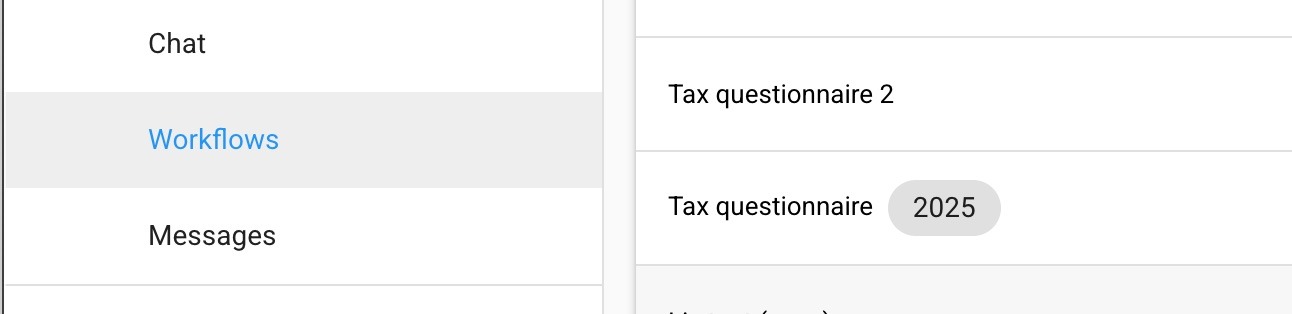
For example, if you allow users to clone workflow instances multiple times—such as in a tax advisory or HR business where clients need to complete the same workflow periodically—you may want to distinguish between completed workflows using a custom label. This label can be dynamically generated based on information entered by the user in the workflow’s forms. For instance, each time a client completes the "Tax Return" workflow, you might want to automatically label it with the relevant Tax Year provided in the form.
For this feature to work:
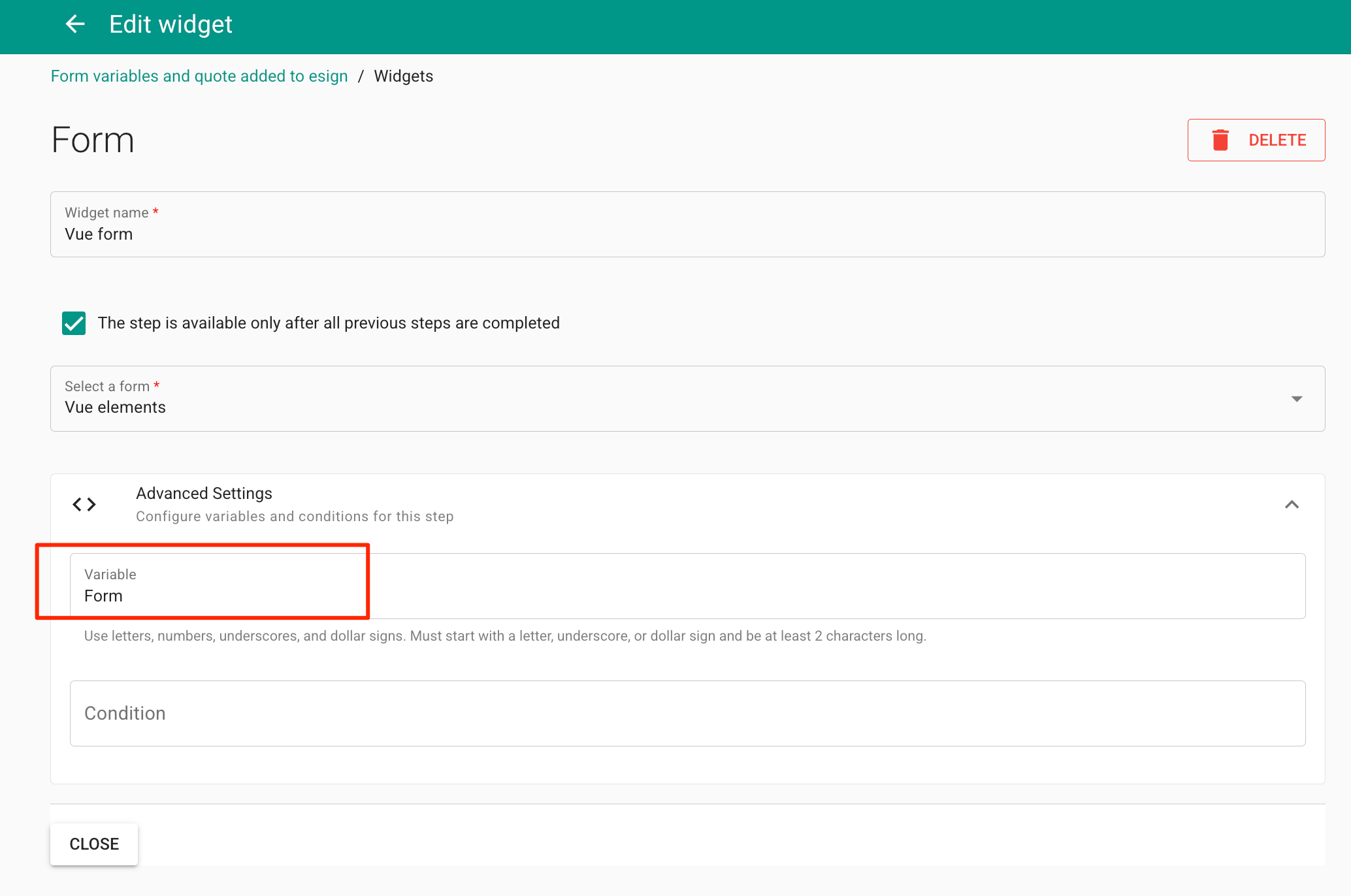
make sure that the Form which holds the data is assigned a value (here its "Form") that is entered in the Workflow Editor
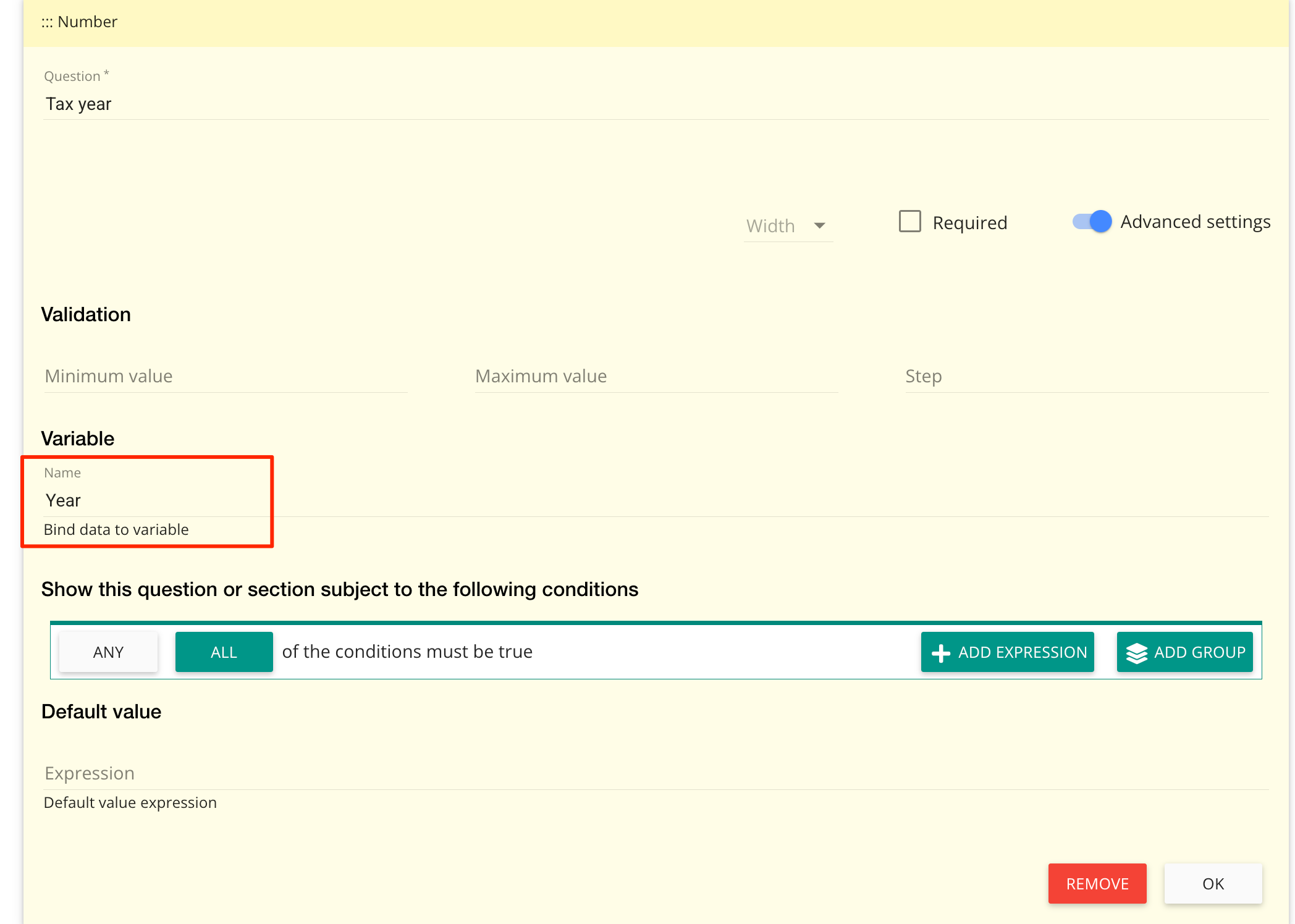
make sure that the Form widget which holds the value of the label (here it is "Year") is entered in the appropriate widget in the Form definition